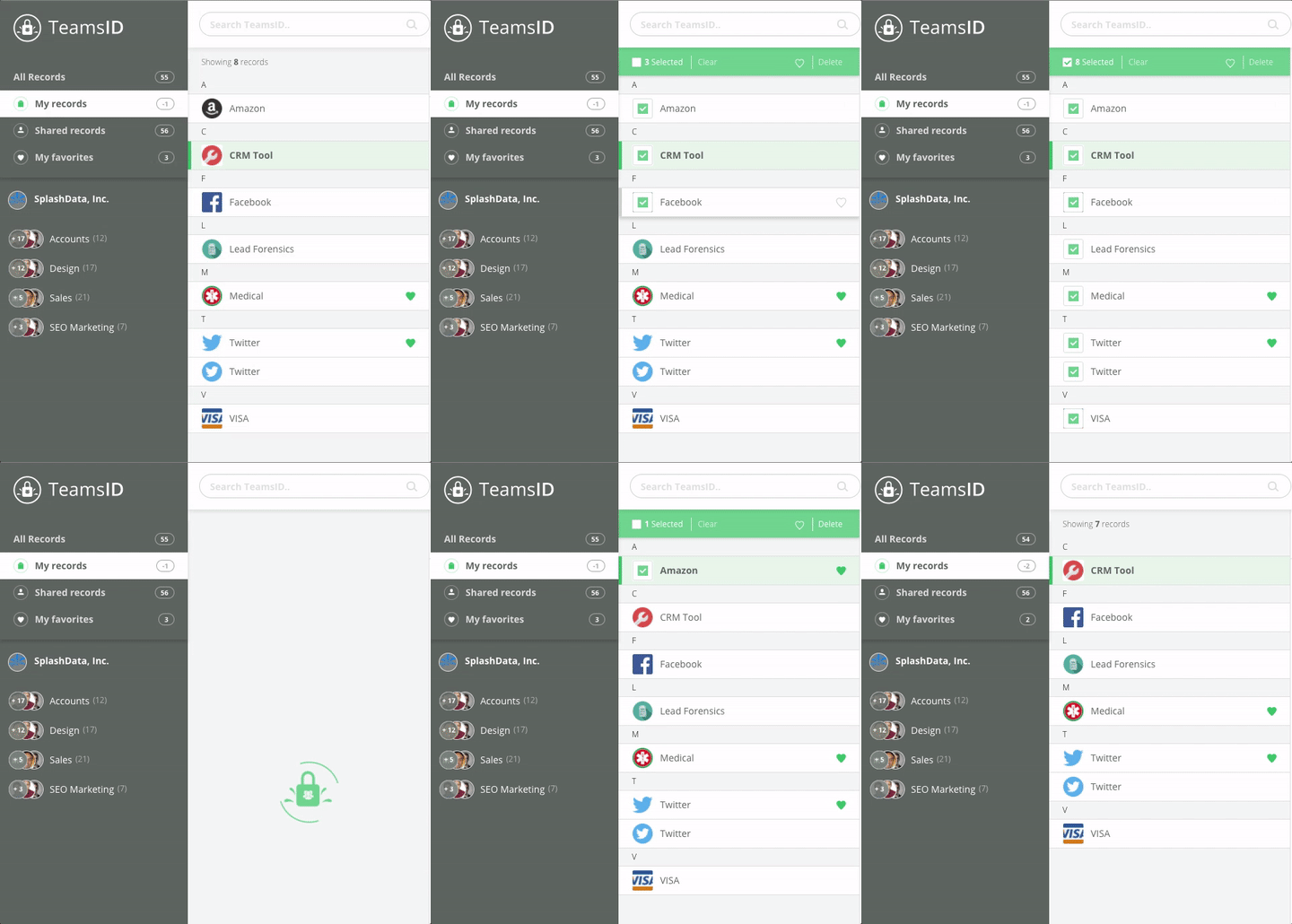
TeamsID users can now select multiple records to either delete in bulk or add to their favorites in bulk.
Begin by selecting the record's icon.
You'll notice the icon is replaced with a green check box and a green menu appears above the records section of your TeamsID dashboard.

Selecting the checkbox on the lefthand side of the green menu will select all records, while Clear will clear your selections.

Selecting the heart on the righthand side of the green menu will add all selected records to you favorites, while Delete will delete the selected records.